
UTM
ParrotOS can be easily virtualized on macOS systems equipped with Apple Silicon (M-series chips). To achieve this, we recommend using UTM, a popular open-source virtualization software for Mac.
1. Download and Install UTM
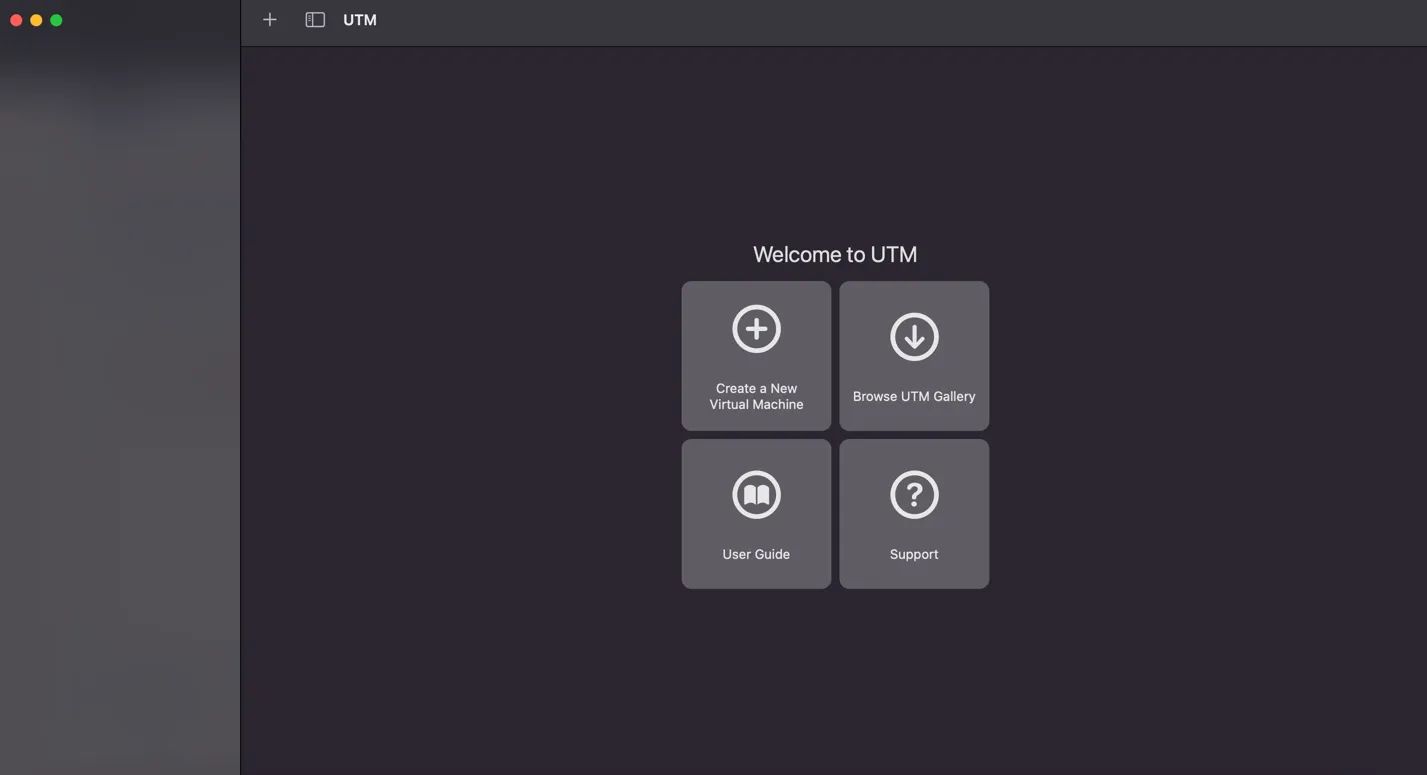
Section titled “1. Download and Install UTM”First, download and install UTM from the official website. Once launched, you will be greeted by the main interface:
2. Download and Extract the ParrotOS VM
Section titled “2. Download and Extract the ParrotOS VM”We provide a pre-configured Virtual Machine specifically for Apple Silicon, which already comes in the .utm format.
Download the appropriate Apple edition from our website and extract the archive to retrieve the .utm file.
3. Import and Run
Section titled “3. Import and Run”Once extracted, simply drag and drop the .utm file directly into the UTM application window.
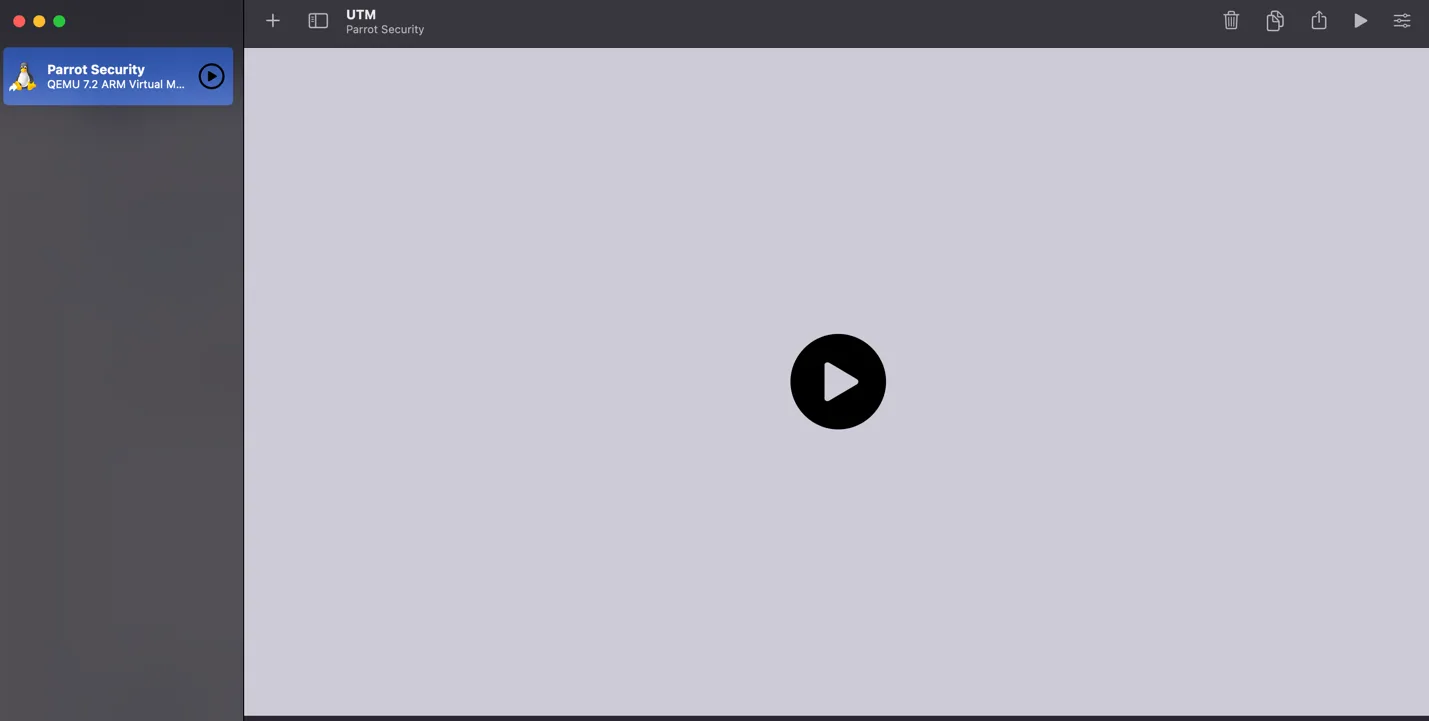
The system will immediately recognize the Virtual Machine. Simply click the Play icon to start using ParrotOS on your Mac.